
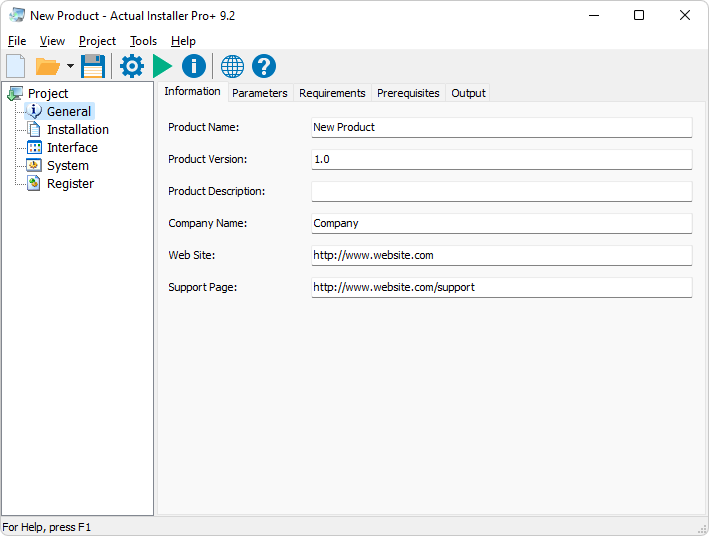
General Information
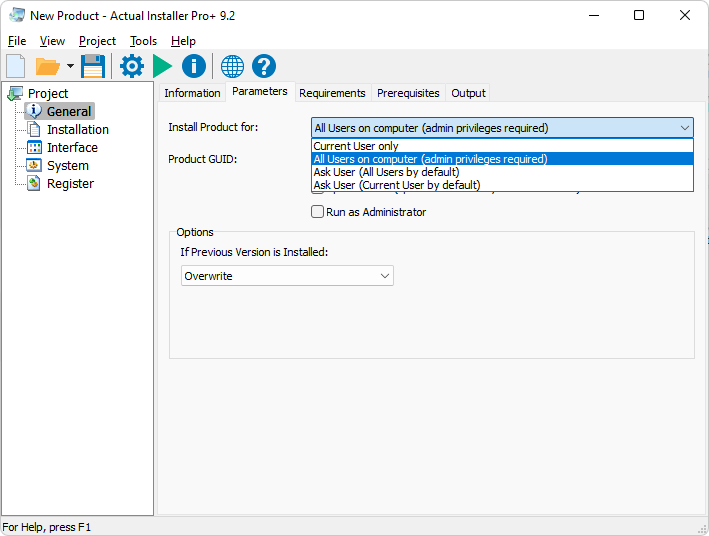
Parameters
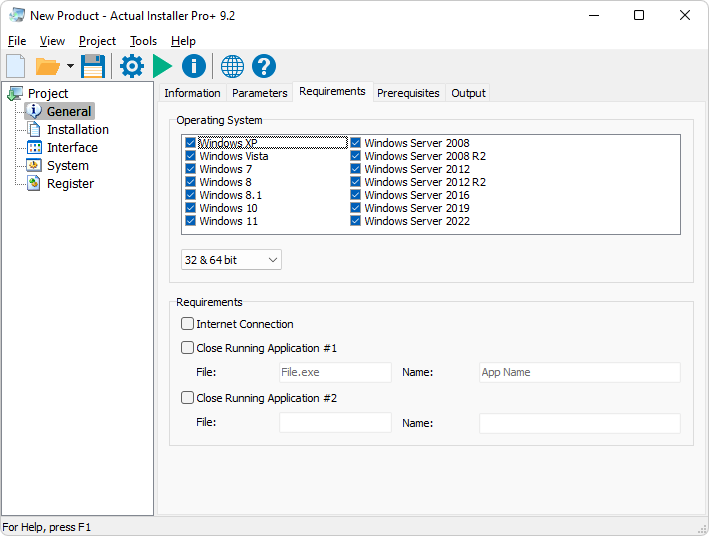
Installation Requirements
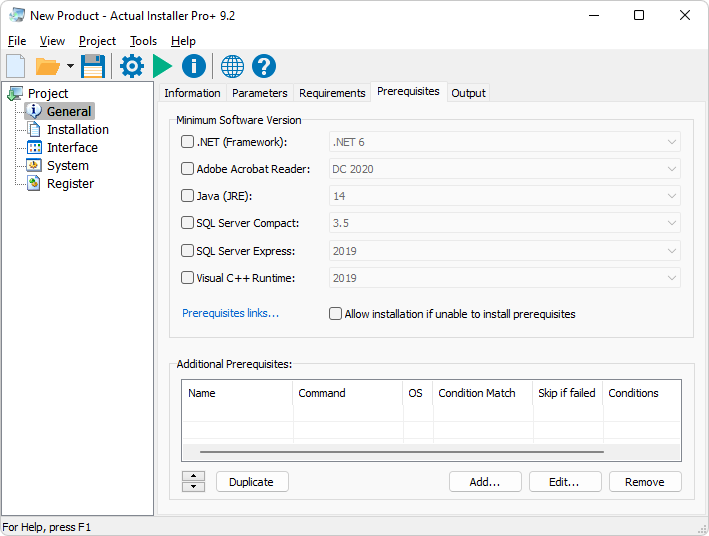
Software Prerequisites
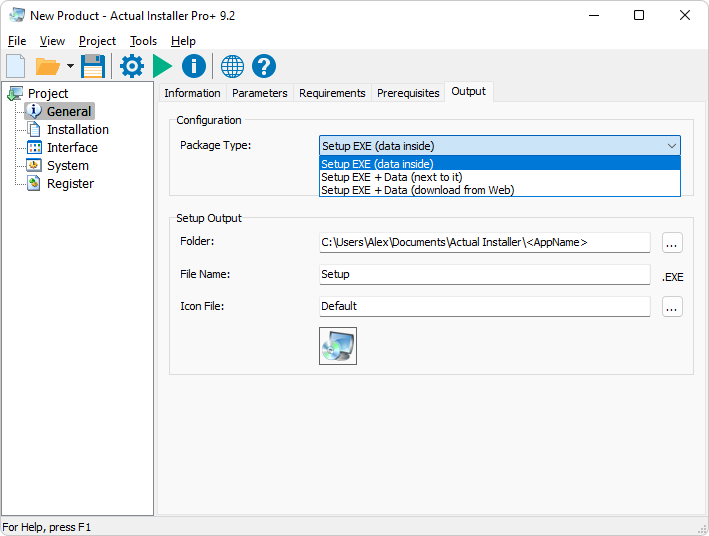
Setup Configuration - Output - Web Installer
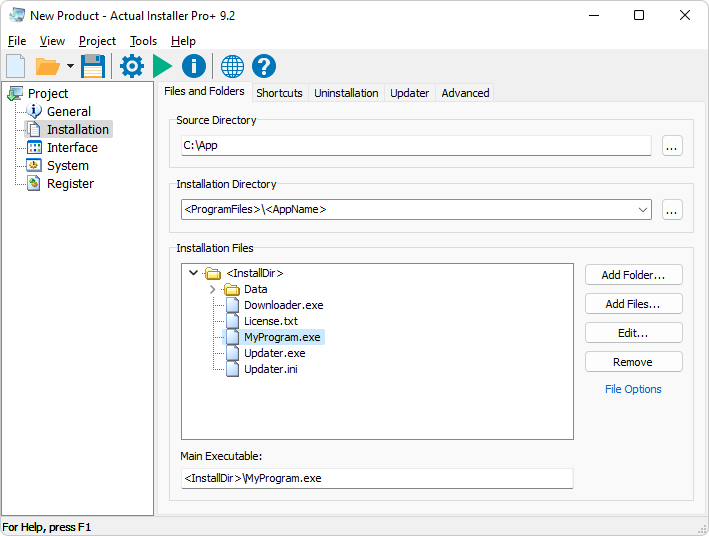
Installation Files and Folders
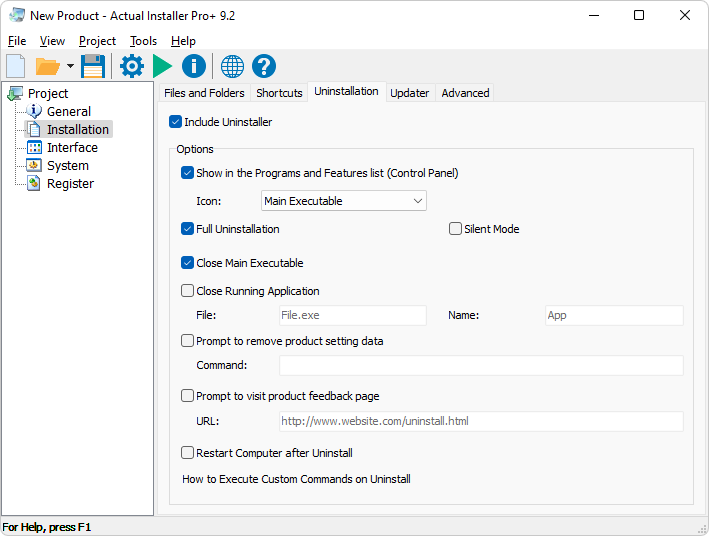
Uninstallation
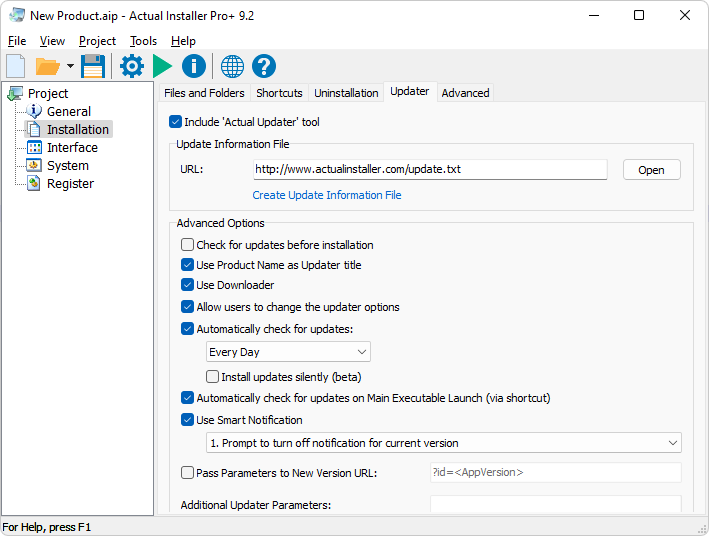
Updater
Interface - Template Editor
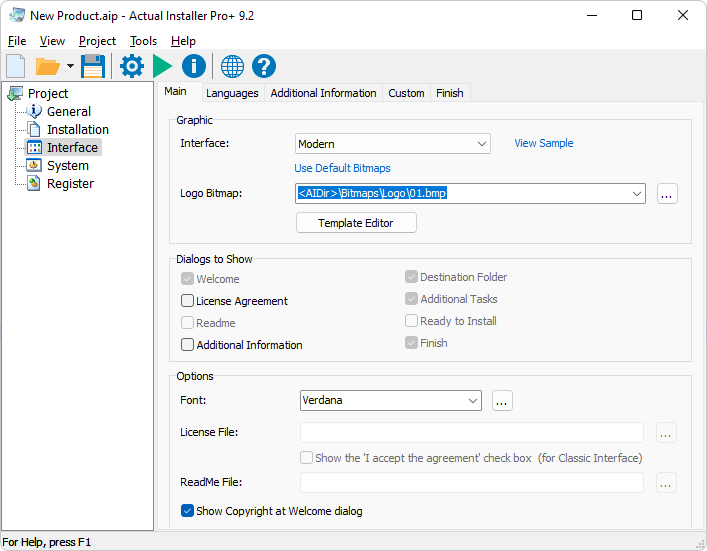
For Modern Setup Interface available Template Editor
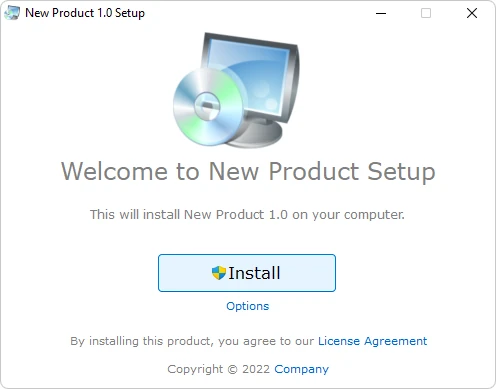
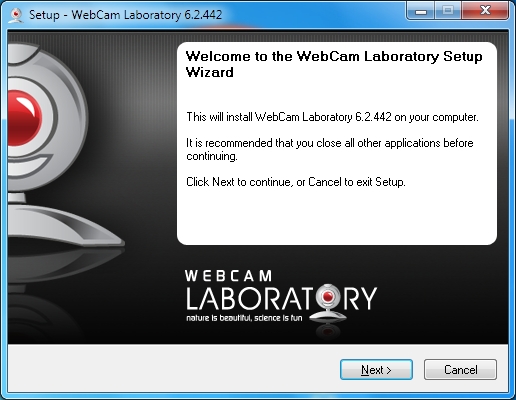
Setup Wizard - 'Welcome' dialog
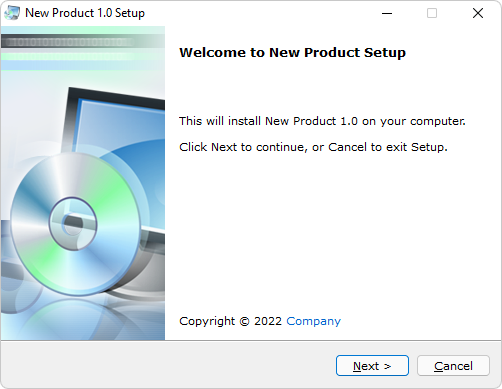
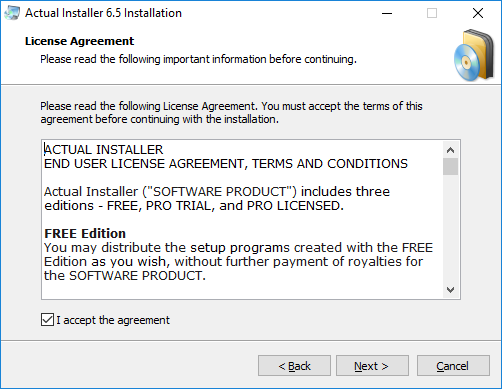
Setup Wizard - 'License Agreement' dialog
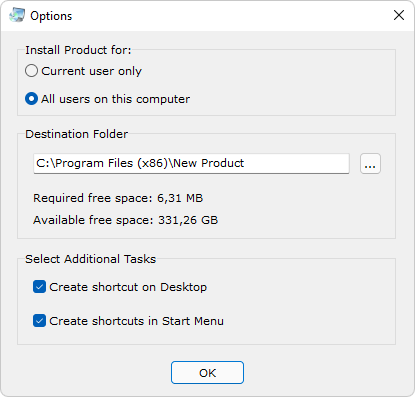
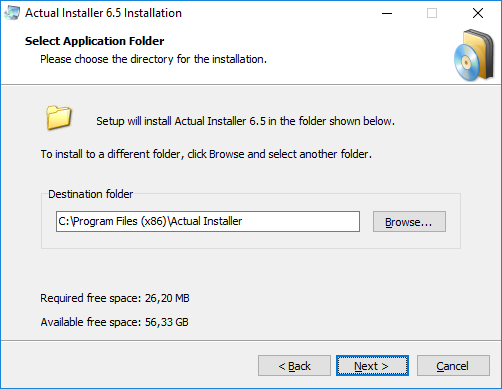
Setup Wizard - 'Application Folder' dialog
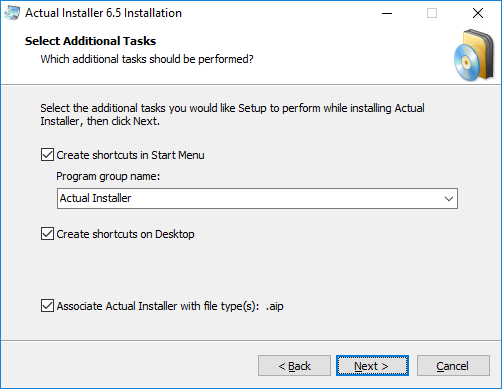
Setup Wizard - 'Additional Tasks' dialog
Setup Wizard - 'Installation' dialog
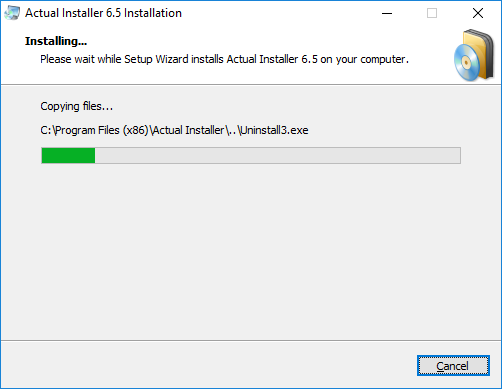
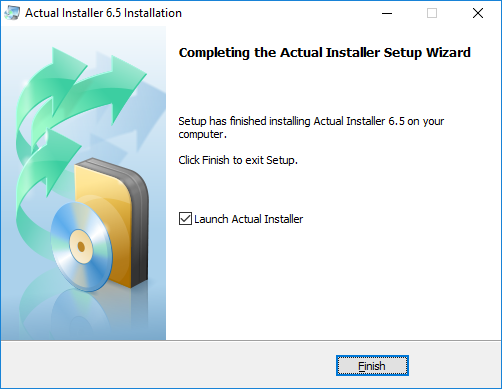
Setup Wizard - 'Finish' dialog
How to create a custom Wizard interface?
