Using the template editor, you can customize the design of your installation. Adjust the window size, use dark theme (with option to use system theme), custom font, logo, background and more:
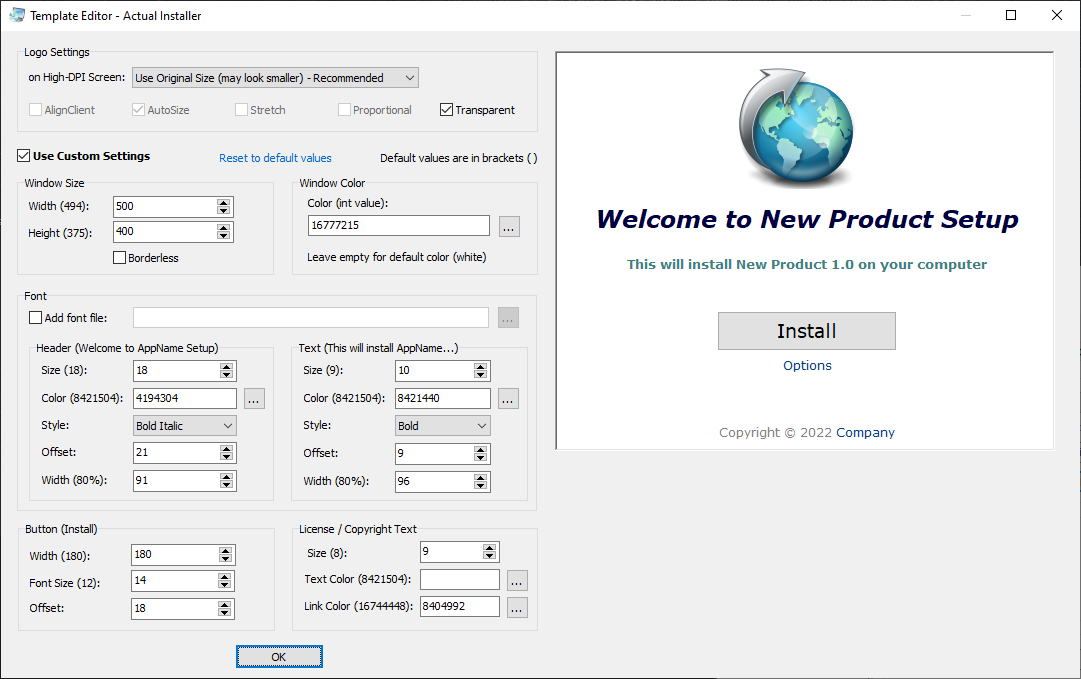
For Logo, you can use the following file types: BMP, PNG, ICO, and GIF (animation).
Recommended size is 128x128px. It's recommended to use an ICO file (Setup Icon), that contains different sizes, so on scaled (hight-DPI) screen, the appropriate logo size will be used (for example, on 100% scale use 128x128px size, on 200% - 256x256px size). Other formats may look smaller. Included logotypes in PNG format (Logo 1 and Logo 2) have 128 and 256 px variants, so they will look fine on a screen with 200% scaling.
Note: When using GIF file, the logo or form may begin to flicker. in this case, try to add parameter -DoubleBuffered to Setup Parameters.
For Background, you can use solid color or use an image file (supported types: BMP, PNG, GIF). Animated GIFs is also supported. Gradient images (light blue and dark blue) are included.
When using the System Theme, specify colors for Light and Dark theme, separating them with the symbol | . Example for background color: #d7ddee|#414154 - if System Theme is Light, use #d7ddee, if Dark - #414154 .
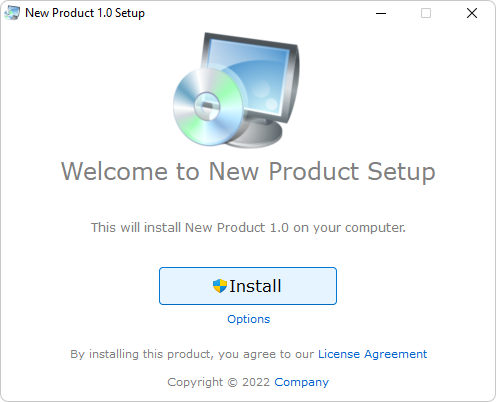
Modern Setup with default settings:
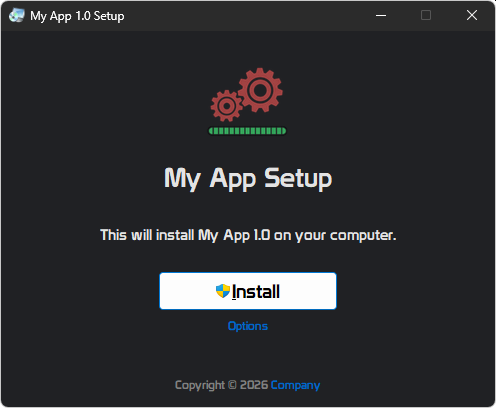
Setup Program in Dark Theme:
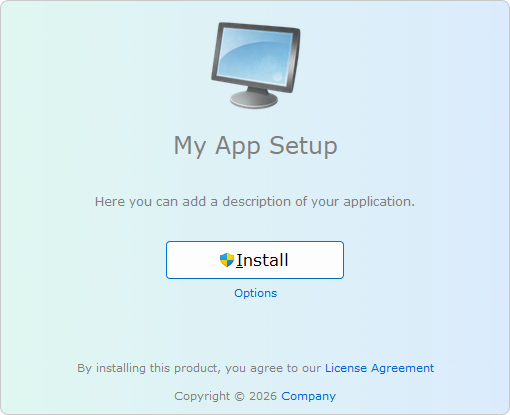
Setup without title bar (no minimize and close buttons): (to close, press Alt+F4)
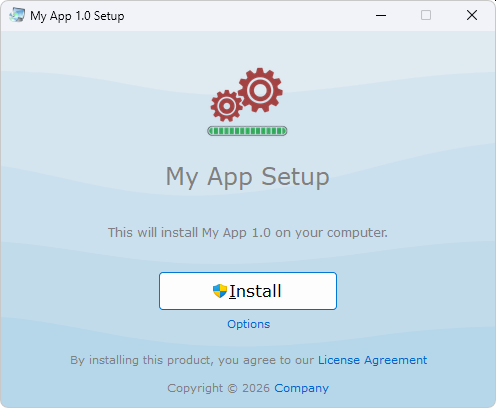
Setup with wave background:
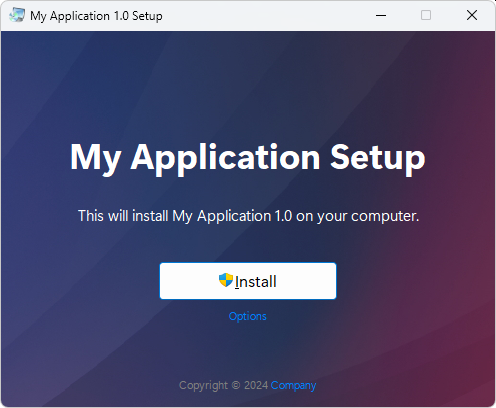
Animated background: